
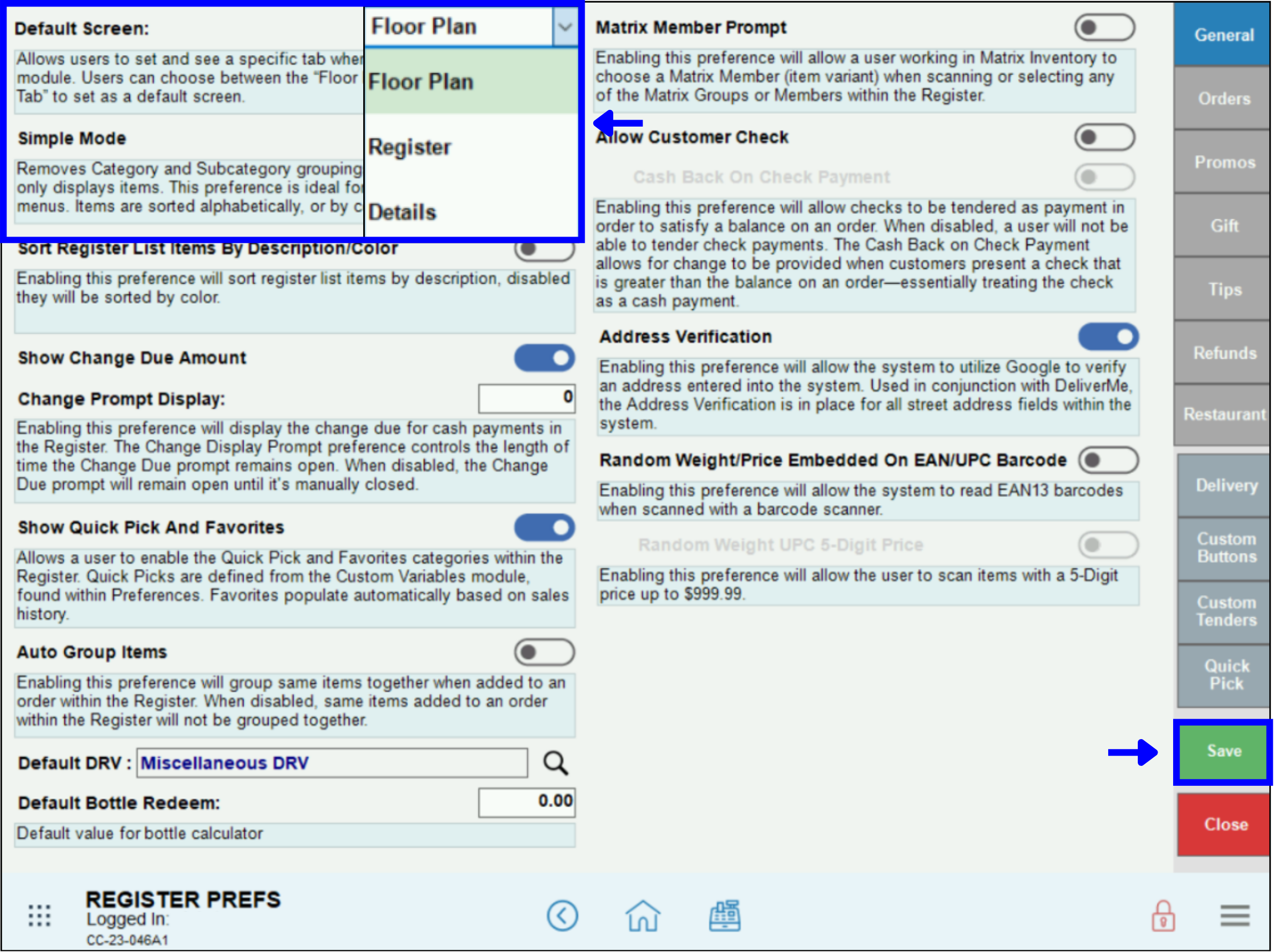
Choose which register screen will display by default in Register Preferences.
- Go to Home > Settings > Register Preferences.
- Select the Default Screen drop-down menu.
- Select from the following options: Floor Plan, Register, Details.
- Tap Save.
Choose which register screen will display by default in Register Preferences.
How can we improve this information for you?
Registered internal users can comment. Merchants, have a suggestion? Tell us more.